Install SportzX on Android
The full phone walkthrough: unknown sources, Play Protect prompts and first launch.
Read guide
Watch live cricket, football and 600+ TV channels in HD on your Android phone - no sign-up, no subscription, no cable bill. SportzX v3.2 is a free, lightweight APK built for match days, from the IPL and PSL to the FIFA World Cup.
 LIVE
600+ channels
LIVE
600+ channels
The facts on the current build - version, size, requirements and what you are installing. Last verified October 2026.

| App name | SportzX (also called SportzX TV) |
|---|---|
| Version | v3.2 Stable - latest verified build |
| File size | ≈ 20 MB (20,884,286 bytes) |
| Updated | October 2026 |
| Requires Android | 5.0+ (6.0+ recommended) |
| Price | Free - no subscription, no paid tiers |
| Category | Sports |
| Developer | Independent developer (third-party sources cite “Shonamia” - unverified) |
| Package type | APK - sideloaded, not on Google Play |

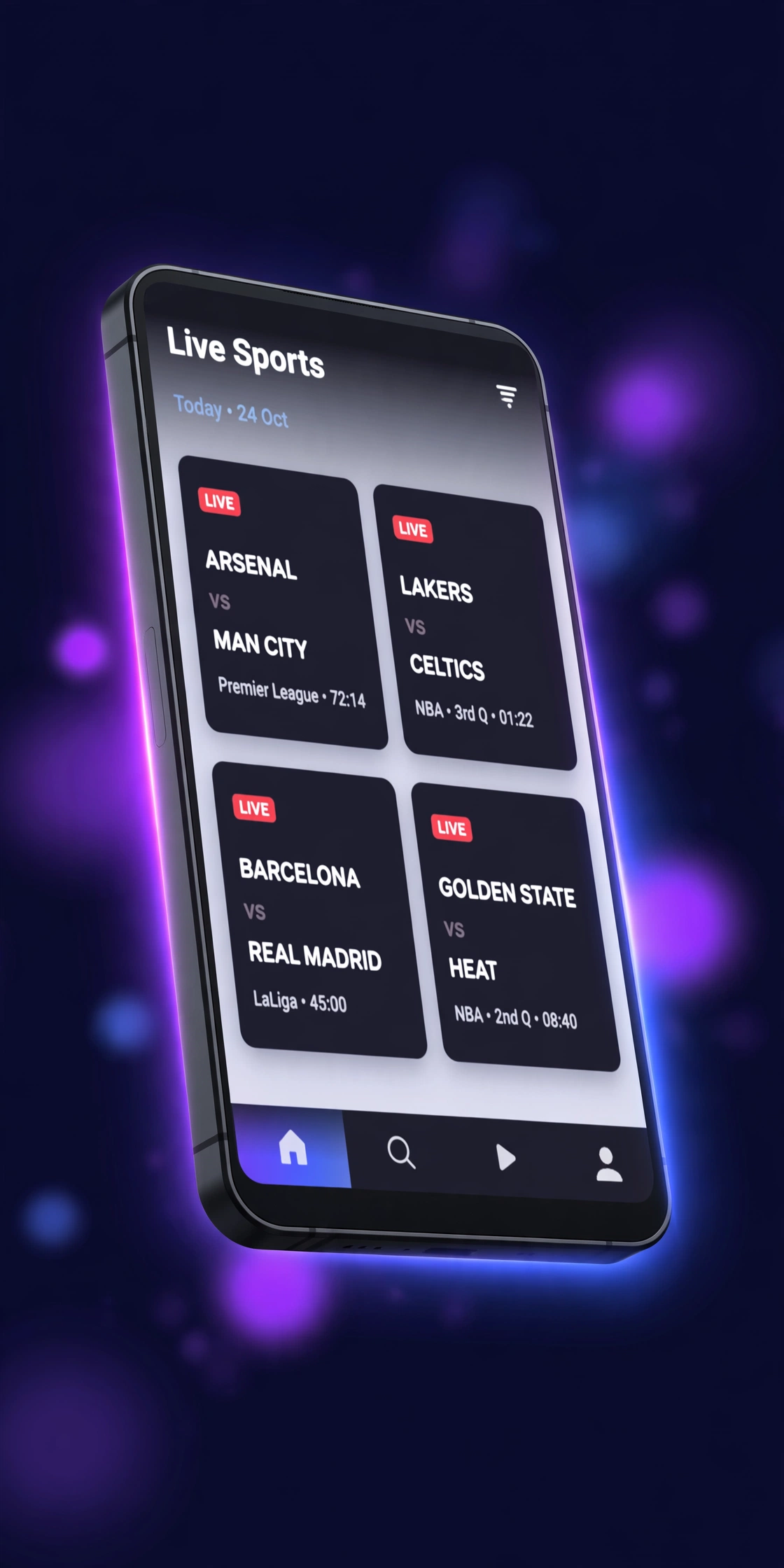
SportzX is a free third-party Android app for watching live sports and live TV. Instead of a cable subscription or a paid streaming plan, you install a small APK file - about 20 MB - and get a hub of live event listings, sports channels and TV categories covering cricket, football, basketball, combat sports, motorsport and much more. Open the Live Events tab on a match day and you will find kick-off times, countdowns and one-tap entries into streams, often with more than one server to choose from on big games.
There is no account to create and nothing to pay. That is deliberate: SportzX is aimed at fans who want the match on their phone or TV in seconds, not at people willing to juggle five subscriptions. The trade-off is that the streams are aggregated from third-party sources rather than licensed broadcasters, which is why the app shows the occasional ad and why stream reliability can vary from one match to the next. We explain exactly what that means - and what to do about it - in our safety and legality guide.
Google Play does not distribute apps built around unverified third-party streams, so SportzX is sideloaded: you download the APK from a site like this one, allow your browser to install unknown apps once, and install it yourself. Sideloading is normal on Android and takes about a minute, but it is also why you should only get the file from a page that publishes the version, file size and scan details - which is exactly what our download page does.
Not the same app: an unrelated app called “SportzX: Live Score” on the iPhone App Store shows scores and fixtures only - it does not stream video and is not made by the same developer. If you are on iOS, see our SportzX for iOS explainer.
Everything that matters in v3.2 - the headline features plus the small quality-of-life details that make match days smoother.
The Live Events tab lists ongoing and upcoming matches with schedules and countdowns. On supported events you get multiple stream servers per card, so if one link buffers or dies mid-match you can switch to another in a tap instead of hunting for a new source.
Where the source provides it, streams play in crisp HD - good enough to read the score bug and follow the ball on a phone or a big TV. Quality ultimately depends on the upstream feed, and the app lets you drop to lower resolutions when your connection struggles.
SportzX opens straight into the action. There is no registration form, no email verification and no login screen standing between you and kick-off - verified hands-on with v3.2 confirms the main sections work with zero personal details.
No subscription tiers, no pay-per-view unlocks and no “premium” upsell hiding the good matches. The app is free end to end, which is exactly why it is popular with cricket and football fans in India, Pakistan and Bangladesh.
One APK covers your phone, your tablet, your Android TV and your Amazon Firestick. Install it once per device and your match-day setup works the same way everywhere - see the Firestick guide and the PC guide for the TV and desktop routes.
Beyond live matches, SportzX bundles more than 600 channel entries organised by region - India, Pakistan, Bangla, Arabic, USA and more - plus dedicated News, Movies, Kids, Music and Documentaries sections. It is a full live-TV package, not just a match-day app.
Missed the game? The Highlights section carries match highlights and event cards - F1 and football examples were spotted in v3.2 - so you can catch the goals, wickets and knockouts without sitting through the full replay.
Every event card shows when the action starts, with live countdowns so you never tune in late. Enable notifications and the app can nudge you before the matches you care about - handy for 3 AM Champions League kick-offs or a day-night Test.
Power users are not locked into the built-in list: the Network Stream section in Settings accepts your own M3U playlist URLs. Add a personal or regional playlist and it plays inside the same player as everything else.
On mobile data or a shaky connection, Force Low Quality drops the resolution to keep the stream moving instead of freezing on a buffering spinner. It is the single most useful setting when you are watching on the go - and our troubleshooting guide shows exactly where to find it.
At roughly 20 MB, SportzX installs in seconds and runs comfortably on older phones and budget devices - no 500 MB download, no heavy background services. It also ships a floating picture-in-picture player, rewind on supported streams, and an in-app updater so you are not re-downloading APKs by hand.
We will not claim what competitors claim: the app does show occasional ads, mostly in the Highlights section. But the main live sections stay largely clean, which is noticeably calmer than most free sports APKs. No fake “100% ad-free” promises here.
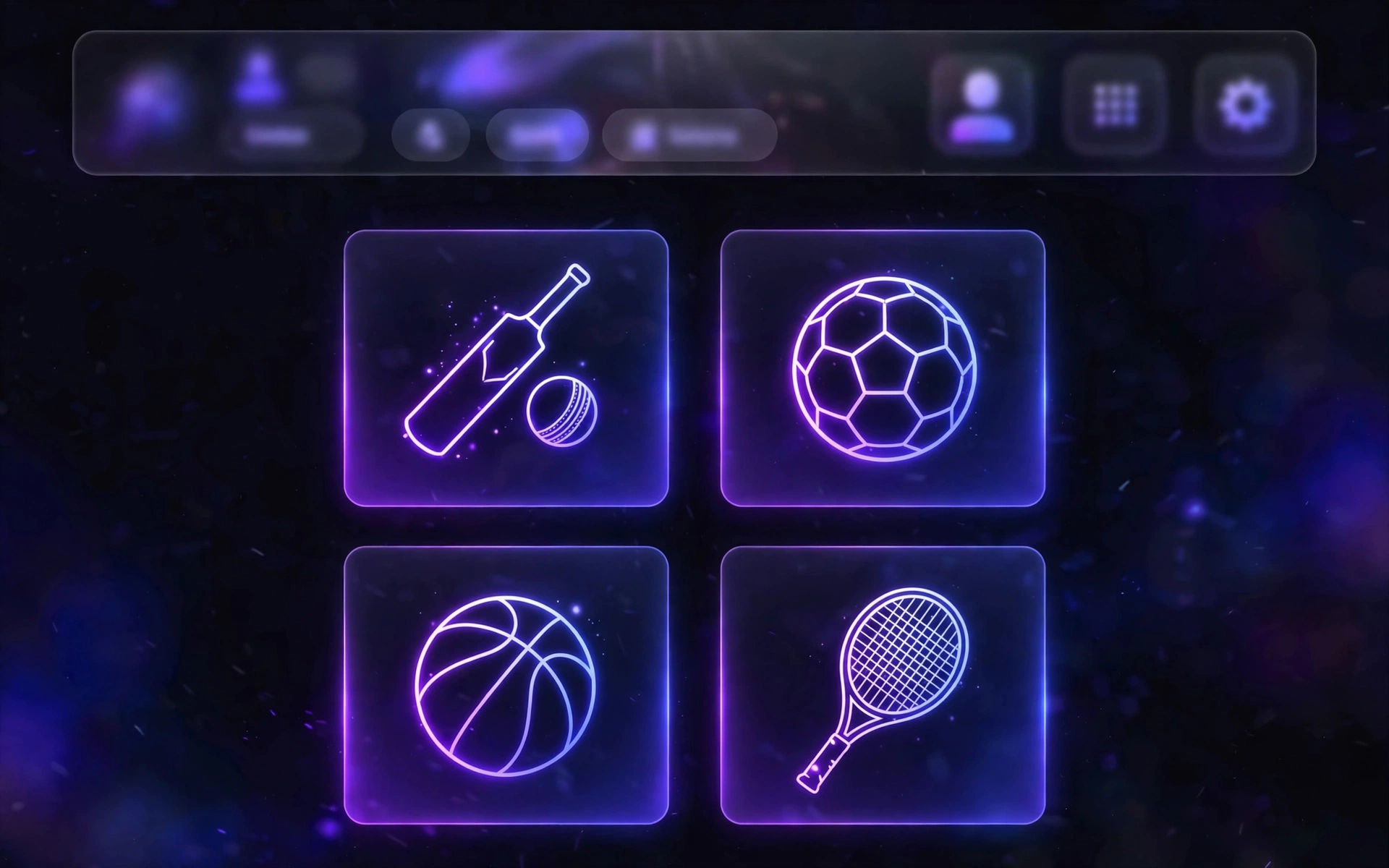
Cricket leads the line - IPL, PSL, ICC tournaments and every India vs Pakistan clash - backed by football, combat sports, motorsport and a deep bench of everything else.
IPL, PSL, BBL, CPL, Asia Cup, ICC World Cup, T20 World Cup, Champions Trophy - plus Star Sports, PTV Sports, A Sports, Geo Super and Willow channels.
FIFA World Cup 2026, Champions League, Premier League, La Liga, Serie A, Bundesliga, Ligue 1 and the ISL.
NBA nights, playoff runs and the Finals, plus WNBA and major college games.
All four Grand Slams, ATP and WTA tour events throughout the season.
Title fights across the WBC, WBA, IBF and WBO, plus big undercards.
Pro Kabaddi League action - the homegrown favourite Indian fans ask for most.
NHL regular season and the road to the Stanley Cup.
MLB season games and the World Series.
UFC pay-per-views, Fight Nights and major MMA cards.
WrestleMania, Royal Rumble, SummerSlam, Survivor Series, RAW, SmackDown and AEW.
Formula 1 practice, qualifying, sprints and races - plus MotoGP, Formula E and IndyCar.
Also in the mix: American football (NFL and the Super Bowl), golf, rugby, darts and badminton. Listing a league or broadcaster here reflects what the app aggregates - it does not mean SportzX holds any broadcast rights, and we are not affiliated with any of them.
An honest side-by-side with the traditional ways of watching sport. No invented numbers, no cherry-picked stats - just what each option actually asks of you.
Bottom line: if you want one free app that covers the IPL, the Champions League and fight night without five logins, SportzX is built for you. If you want guaranteed-licensed, buffer-free 4K with support on call, a paid service is the honest answer. Comparing SportzX with similar free apps? See our alternatives guide.
Five steps, about two minutes. This mirrors exactly what happens on our download page.
Head to the SportzX download page on your Android device. You will see the v3.2 file details - version, size and scan information - before anything downloads.
Start the download and wait for the roughly 20 MB APK to finish. If your browser renames it or it arrives as a .bin file, delete it and download again - that means the transfer was interrupted.
Android will ask for a one-time permission letting your browser install apps. This is the normal sideloading step - allow it for your browser only, not for every app. Full walkthrough in our Android install guide.
Tap the downloaded file, then tap Install. If Google Play Protect shows a warning, that is expected for any sideloaded app - choose Install anyway to proceed with the file you just verified.
Open SportzX from your app drawer. No account, no setup wizard - the Live Events tab is right there. On a Firestick? Follow the Firestick install guide instead.
Where SportzX runs - and, just as importantly, where it does not. We would rather tell you now than waste your evening.
Supported. The primary platform - Android 5.0+, 6.0+ recommended. See the Android install guide.
Supported. Sideload in minutes with the Downloader app. See the Firestick install guide.
Supported. Install the APK via USB or a file manager app. See the Android TV guide.
Supported. Run it inside BlueStacks or LDPlayer. See the PC guide.
Not supported. iOS cannot install APK files, and there is no official iOS version. What iPhone users should do.
Not supported. Tizen OS cannot run Android APKs - plug in a Firestick or Android box instead. TV workarounds.
Not supported. webOS cannot install APKs either - an external Android TV device is the fix. TV workarounds.
Not supported. Roku is a closed system with no sideloading - a Firestick is the cheapest way in. Firestick guide.
A quick tour of the three screens you will use most.
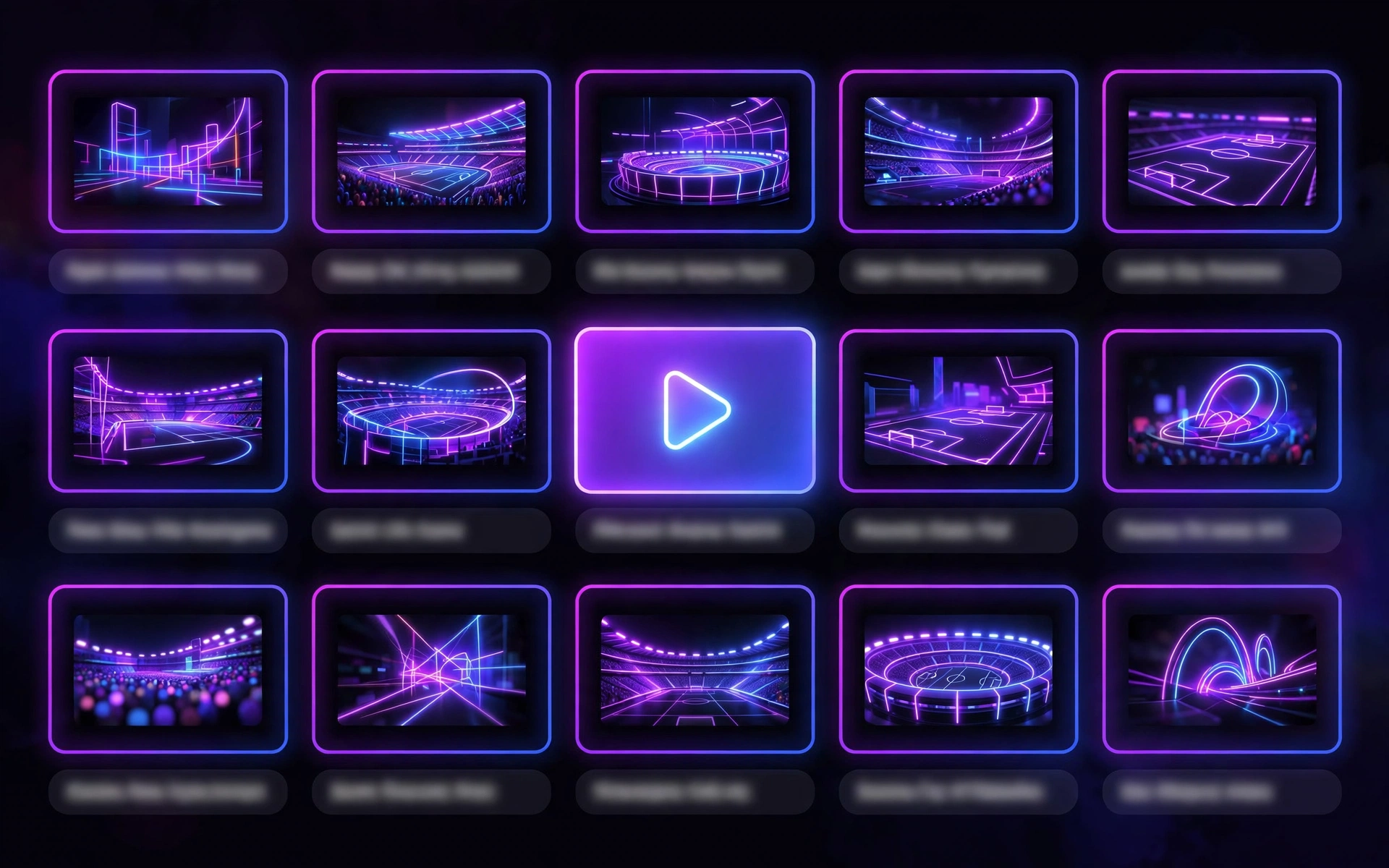
Every app has trade-offs. Here are SportzX’s, stated plainly.
Straight answers to the questions SportzX users ask most. Tap any question to expand it.
Step-by-step help for every device, fix and question - written from hands-on checks, not guesswork.
The full phone walkthrough: unknown sources, Play Protect prompts and first launch.
Read guide
Sideload with the Downloader app, plus remote-friendly navigation tips.
Read guide
Install via USB or file manager, and workarounds for Samsung Tizen and LG webOS.
Read guide
Run the app on Windows or macOS with BlueStacks or LDPlayer, step by step.
Read guide
Scan results, app permissions, sideloading risks, VPN advice and the legality picture.
Read guide
Buffering, crashes, parse errors and dead streams - every fix that actually works.
Read guide
How SportzX stacks up against Sportzfy, HD Streamz, CricFy TV and Thop TV.
Read guide
The naming confusion explained: are they the same app, and which one do you need?
Read guide
Why there is no iPhone version, what the App Store lookalike really is, and your options.
Read guide
v2.1 and v2.5 versus v3.2 - what changed and which build you should run.
Read guide